
GBox
Screenshots
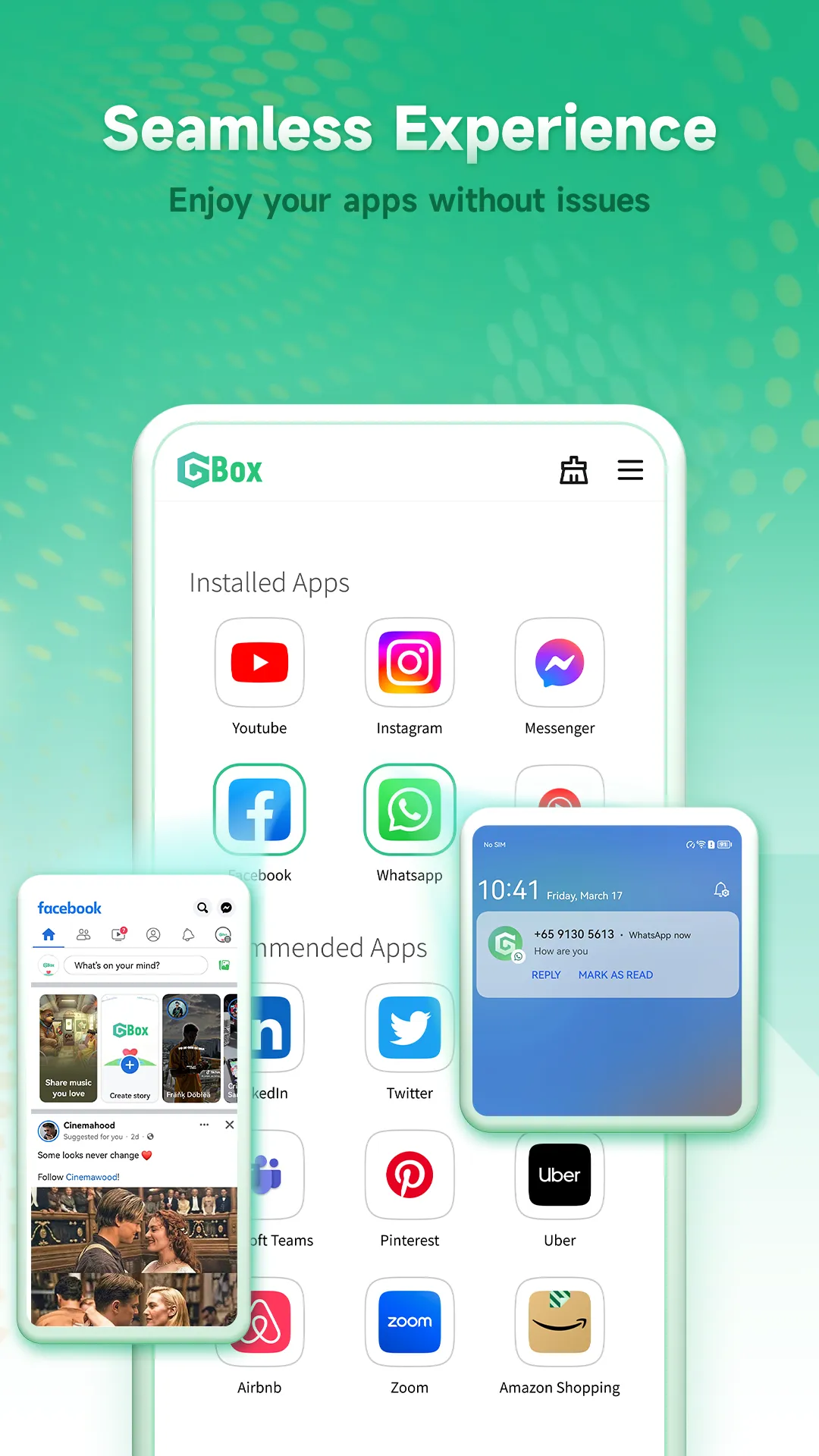

GBox helps users access Google services on mobile devices that lack native support. Many modern smartphones do not include these pre-installed systems. Therefore, users face constant difficulties when opening popular utilities. GBox solves this specific issue quickly. You can download the stable installation file from our website right now.
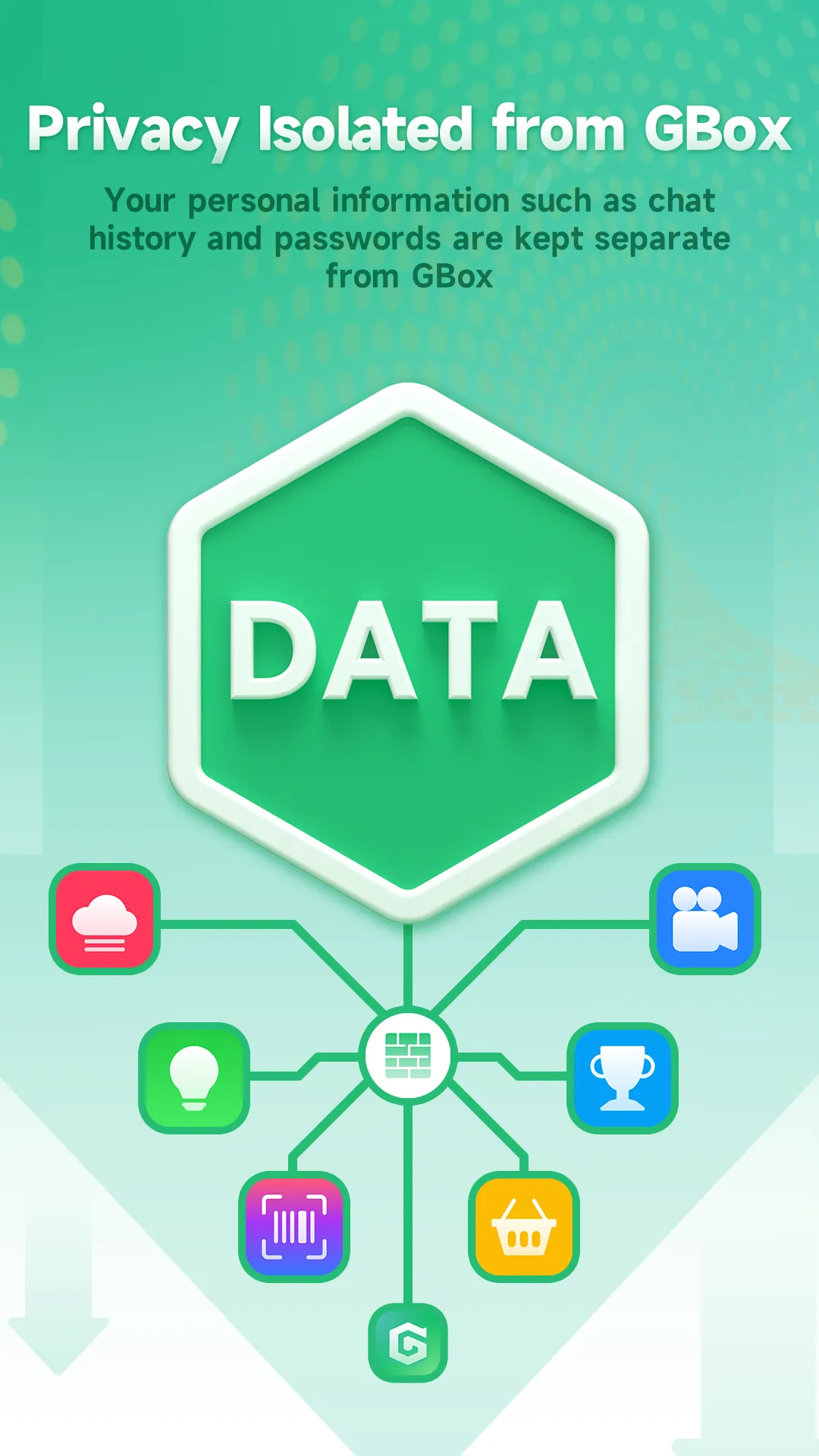
This software creates an isolated virtual environment on your storage. Then, you can install your favorite programs without restriction. It runs smoothly and maintains your data privacy at all times. Because it operates efficiently, you will notice zero system lag during your daily activities.
What is GBox?
GBox is a specialized utility designed for modern mobile phones. It provides a secure virtual environment on your system. This space contains the required mobile service framework. Consequently, your device can run programs that need official authentication. For instance, you can use online maps or cloud storage tools easily.
Many users purchase devices that do not support official services. Huawei phone owners often experience this exact problem. However, you do not need to worry about compatibility issues anymore. GBox offers a straightforward alternative path for every user. It does not require root access to function properly. Therefore, your factory phone warranty remains completely safe from cancellation.
The utility operates silently in the background of your system. It simulates a certified device environment for all installed programs. Because of this simulation feature, online accounts recognize your phone as compatible. You can log into your profile without encountering annoying error messages. Then, you can synchronize your data across multiple screens. This system makes your life much more convenient. It resolves compatibility barriers without changing your core settings.
Essential Features of GBox
GBox includes several advanced features for regular smartphone users. First, it offers a built-in download interface. You can search for necessary utilities directly through this custom panel. Second, the virtual space isolates each software package completely. This isolation protects your primary system from potential conflicts or data corruption.
Furthermore, GBox supports multiple account logging features. You can run two instances of the same program simultaneously. This feature is highly useful for managing separate work and personal profiles.
Please review the primary features of this utility:
- Full Service Compatibility: It provides stable virtual mobile services without errors.
- Zero Root Requirements: You do not need to modify core operating system files.
- Strict Privacy Protection: The utility does not track your sensitive personal information.
- Native Execution Speed: Programs run quickly inside the isolated virtual environment.
- Regular Software Updates: The developers fix bugs constantly to maintain stability.
Because this utility manages resources efficiently, your battery life will not suffer. Many older emulation tools caused massive thermal throttling. In contrast, GBox optimizes background tasks perfectly. Therefore, your mobile phone remains cool even during heavy multitasking sessions. You can stream high-definition videos for hours without encountering unexpected crashes.
Practical Benefits of GBox
GBox provides numerous practical advantages for global smartphone owners. For example, it unlocks direct access to verified online downloads. This means you do not have to search for risky files on dangerous web forums. You can get verified software directly from official sources.
Additionally, GBox enhances your user experience on restricted hardware platforms. You can enjoy seamless push notifications from your chat programs. In the past, missing notification alerts frustrated thousands of device owners. Now, the background synchronization system resolves this exact issue permanently.
Consider these major benefits for your daily device usage:
- Instant Push Notifications: Receive real-time message alerts without annoying network delays.
- Accurate Location Services: Run navigation programs and ridesharing tools without tracking errors.
- Cloud Storage Integration: Back up your personal files and device photos automatically.
- Simplified User Layout: Navigate the clean interface without reading complex instruction manuals.
Consequently, your existing smartphone becomes much more functional. You do not need to purchase an expensive new phone just for service access. Instead, you simply install GBox to bypass these artificial boundaries. The initial installation process requires very little time. After that, your device functions like standard certified hardware. This simple fix saves you significant amounts of money.
How to Download the APK File Securely
You can find the latest version of the installation package on our secure web page. We provide completely clean files for our daily visitors. First, open your phone settings menu. Then, enable the option for installation from unknown sources. This necessary step allows your browser tool to save external installation files.
Next, click the prominent download button located on this page. The installation package will transfer to your storage folder within a few seconds. Because our file servers are fast, you will not experience long waiting times.
Please follow these safety precautions before starting the process:
- Verify your remaining storage space to ensure the package fits completely.
- Ensure your internet connection is stable during the entire file transfer.
- Avoid downloading setup files from unverified third-party social media groups.
- Keep your phone battery charge above thirty percent for safety reasons.
Once the data transfer finishes, open your default file manager tool. Locate the newly downloaded installation package inside your downloads folder. Finally, tap the package icon to launch the system installation wizard. The entire procedure is straightforward for people of all technical skill levels.
Setting up the utility on your storage is a quick process. First, locate the downloaded file using your device file manager. Then, tap the document to open the system installer window. The system will display a prompt regarding security permissions. You must select the allow option to proceed further.
Next, the installation wizard will copy the necessary files automatically. This step usually takes less than one minute to complete. Once the process finishes, a new shortcut icon will appear on your main home screen.
Please follow these guidelines during your first launch:
- Open the newly installed utility from your home screen icon.
- Accept the user agreement terms after reading them carefully.
- Wait for the initialization process to complete its system check.
- Log into your account to access the integrated download store.
Subsequently, you can start adding your favorite programs to the virtual environment. The utility creates standalone shortcuts for these programs on your main screen. Therefore, you do not need to open the main interface every time. This clever design provides maximum convenience for daily device operations.
Summary and Final Conclusion
To summarize, this utility offers an excellent remedy for modern mobile restrictions. It allows you to run essential programs without performing complex system modifications. You do not need deep technical training to operate the software. Everything happens automatically within a protected virtual environment.
Therefore, downloading the installation package from our site is a wise decision. It restores the complete functionality of your mobile phone within minutes. You can access cloud documents, watch online streams, and synchronize calendar contacts without obstacles.
Modern mobile devices require connection to global software systems to remain useful. When you lack specific backend services, your smartphone feels highly restricted. However, you can change this negative situation with the correct software installation. GBox bridges this operating system gap without creating security vulnerabilities.
Many popular utilities depend on continuous background data channels to operate. For example, email programs require constant server checking to fetch new items. Social networking tools need immediate push systems to show comments. GBox manages these specialized communication channels perfectly. As a result, you never miss critical messages from your family or work colleagues.
To achieve the absolute best performance, you should adjust a few internal options:
- Grant all requested permissions during the initial software launch phase.
- Disable battery optimization settings specifically for this background utility.
- Allow automatic background updates to keep the environment totally secure.
- Link your primary account immediately to begin automatic data synchronization.
We highly recommend downloading the package from our trusted platform today. The setup takes very little time. Then, you can enjoy a fully connected mobile experience without boundaries. Say goodbye to software restriction issues permanently.